Original
The untouched camera recording.
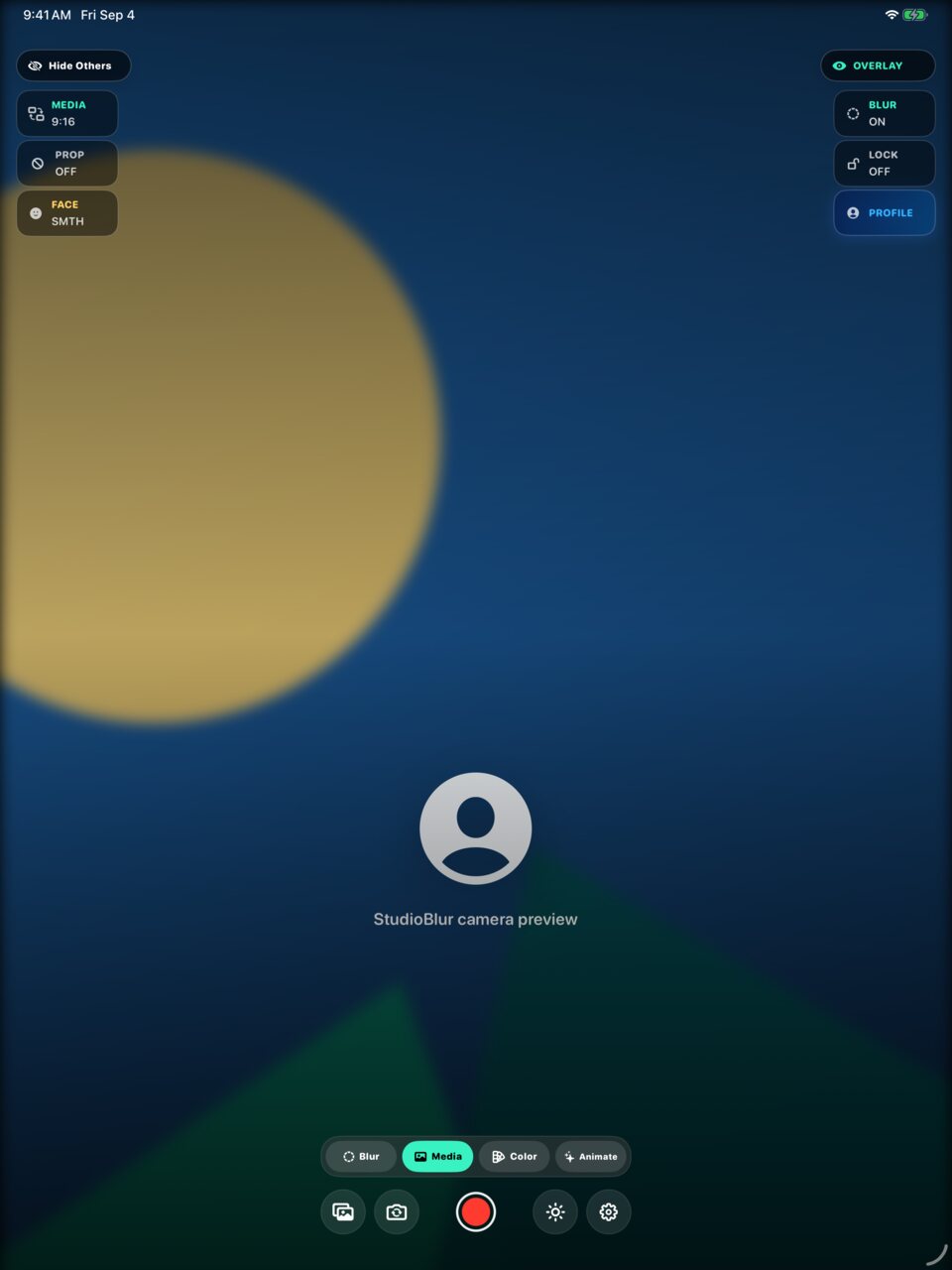
Live backgrounds, creator overlays, teleprompter, and AI ideas in one camera.
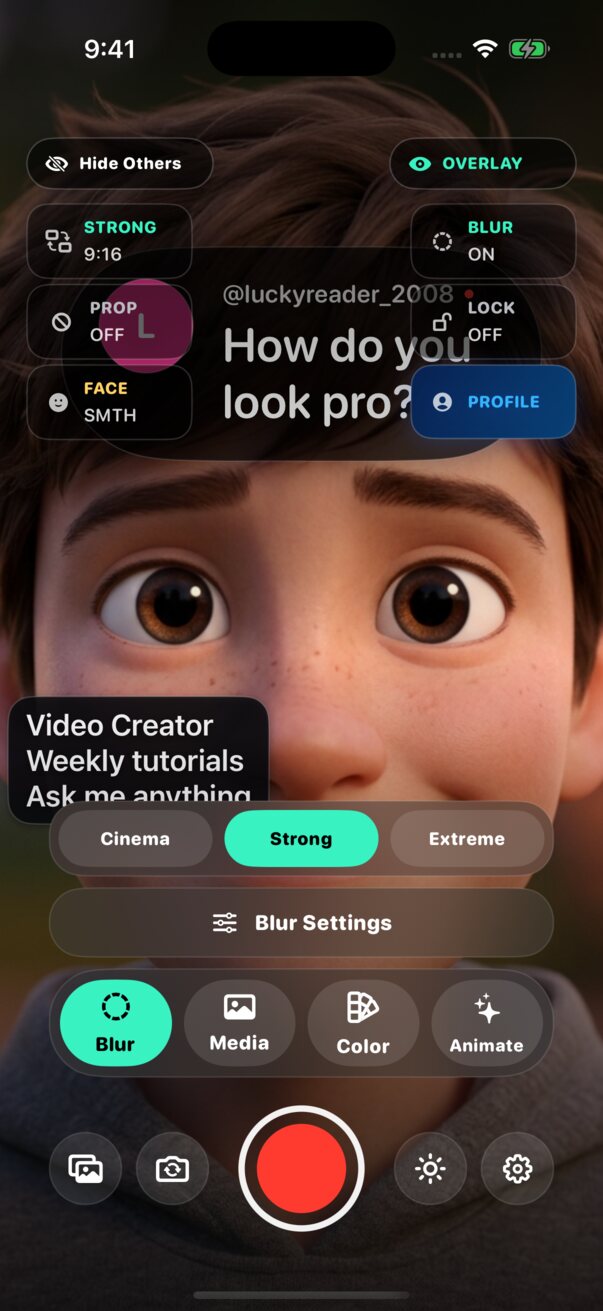
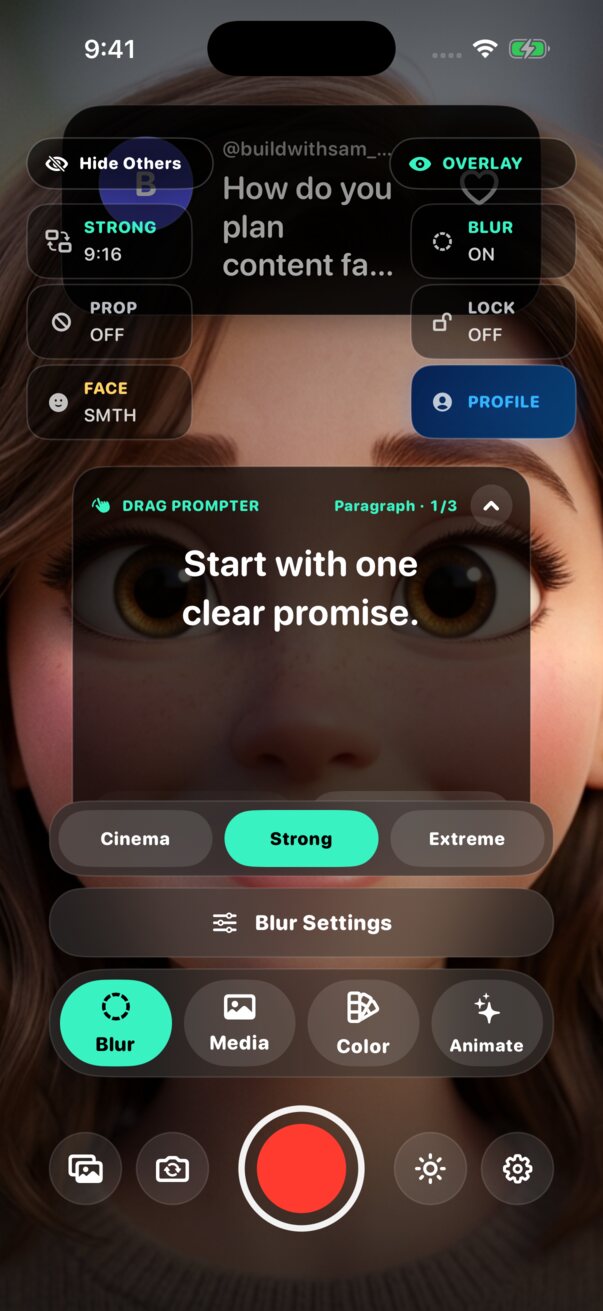
iPhone + iPadDesigned for creators on either screen.
Live processingSee the background and overlays before recording.
Flexible exportsChoose the version that fits your next post.
Move from a blank idea to a finished take without stitching together a stack of apps.
Generate topics shaped by your profession, audience, goals, and saved ideas.
Choose live blur, media, color, or an animated studio and arrange your overlays.
Use the teleprompter, Header Panel, Info Panel, Photo Set, and your preferred microphone.
Review the original, background, clipped, or enhanced result, then save your choice.
Live camera
Blur distractions in real time or switch to a photo, video, color, or moving studio. Frame the finished look before the camera rolls.
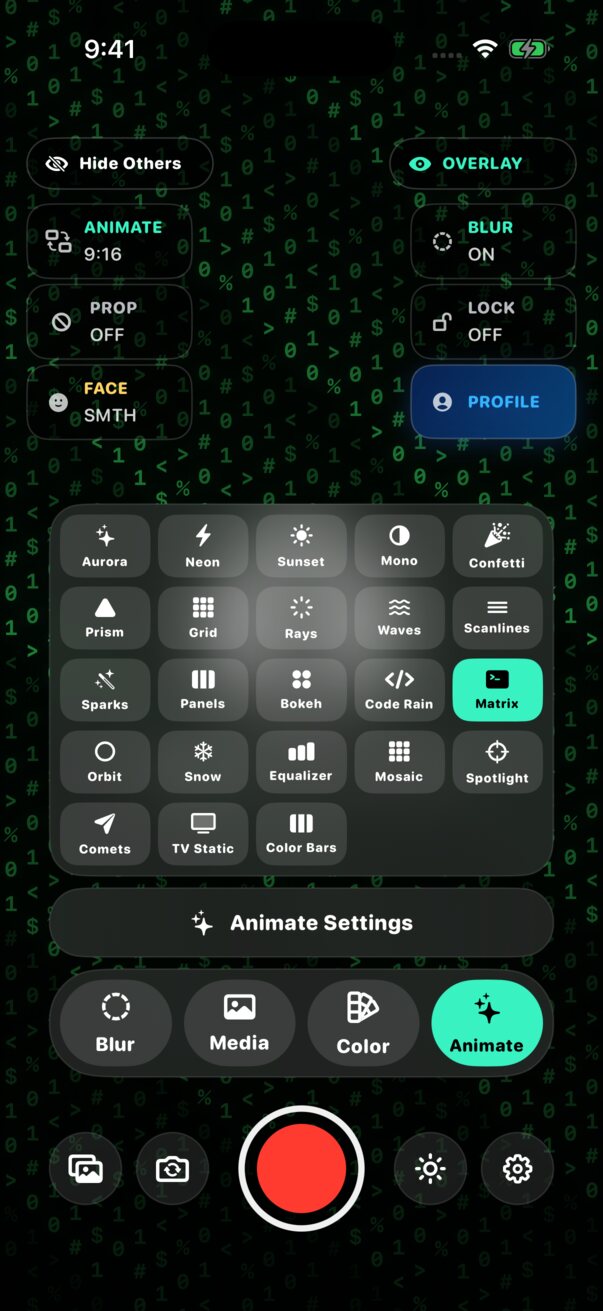
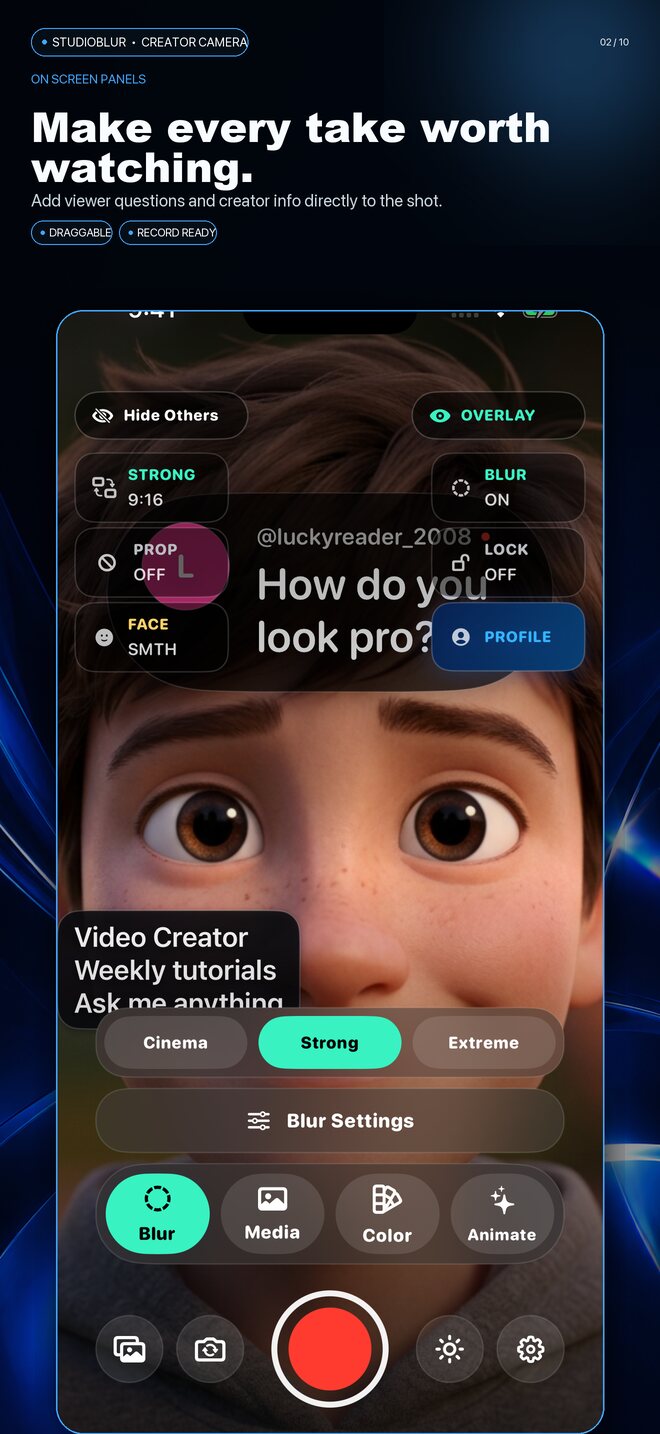
Plan the message, build the scene, and keep every cue where you need it while you stay focused on the camera.
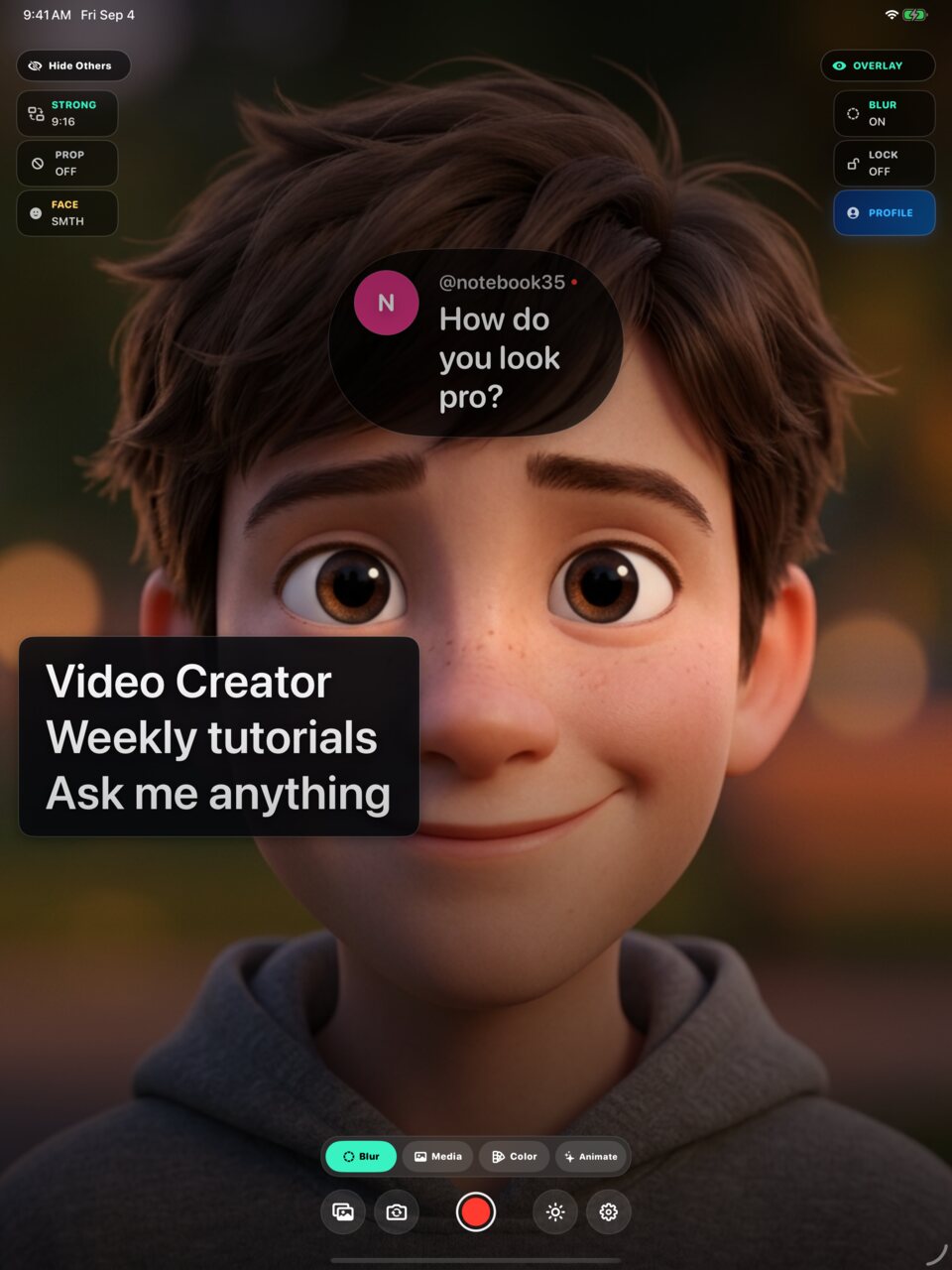
Style a Header Panel as a viewer question or headline. Add an Info Panel for credentials, announcements, goals, and calls to action.
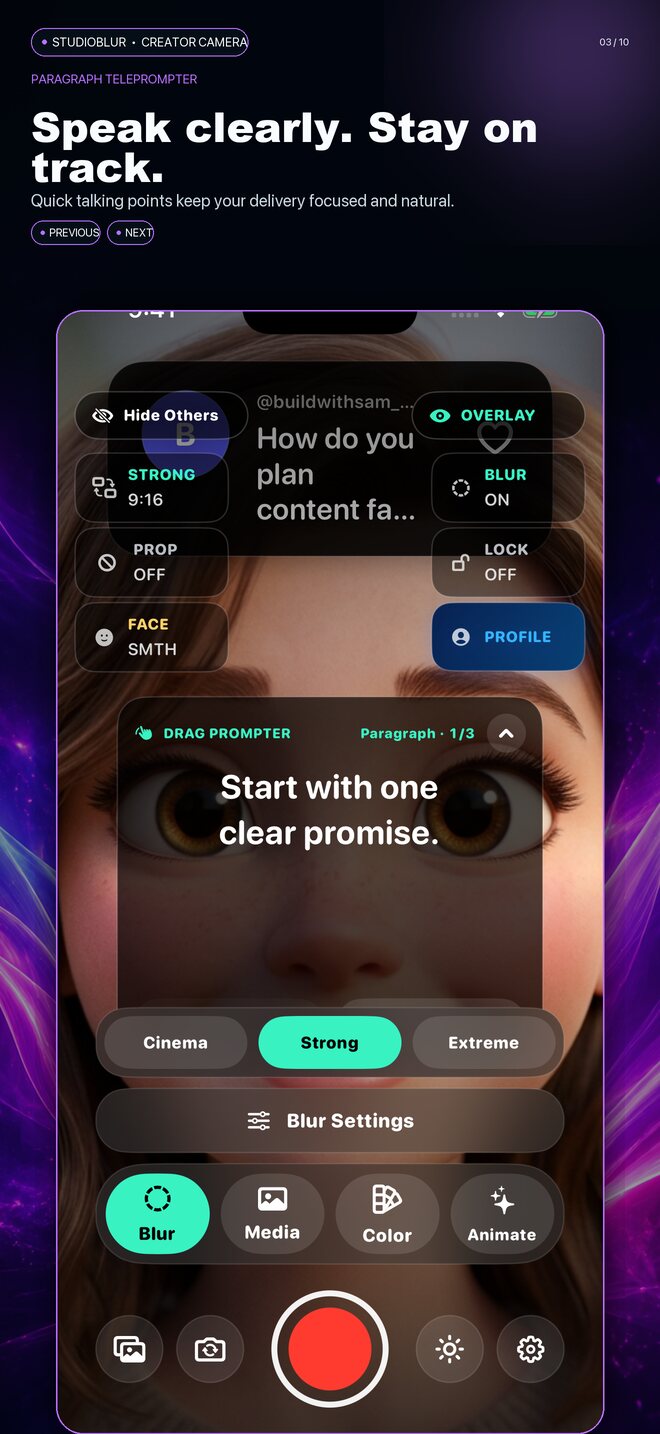
Move and resize the teleprompter, set a comfortable font size, and step through your talking points paragraph by paragraph.
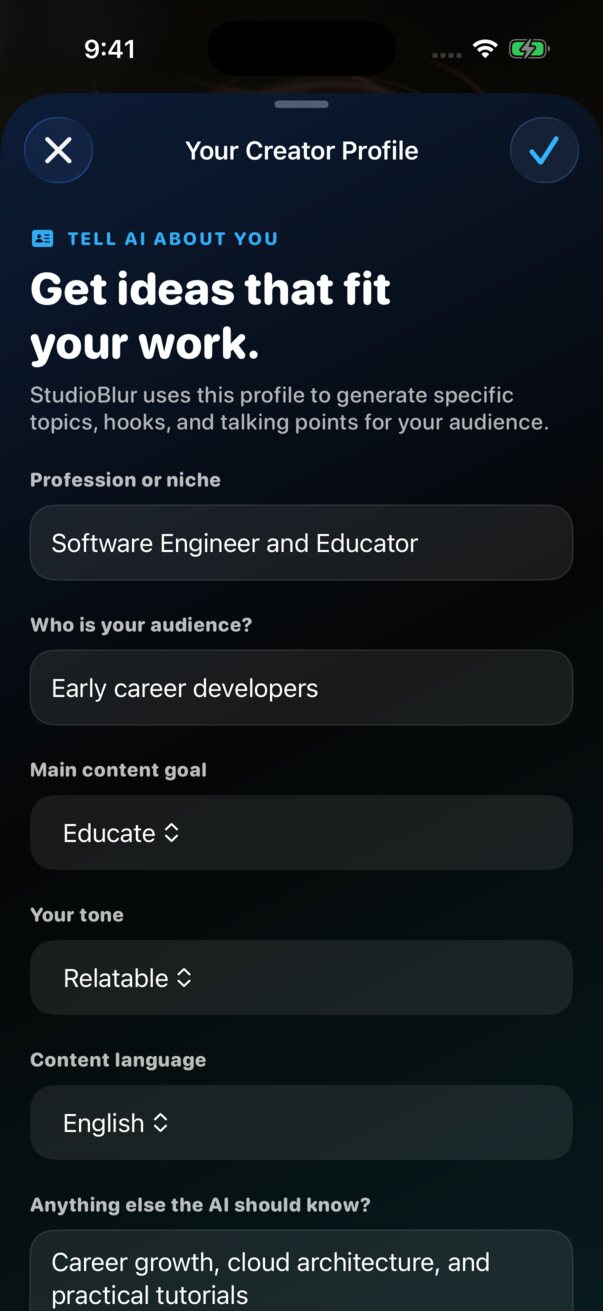
Your Creator Profile gives StudioBlur context about your profession, audience, goals, and style. Build hooks, questions, and concise teleprompter notes from that foundation.
See Pro + AI plans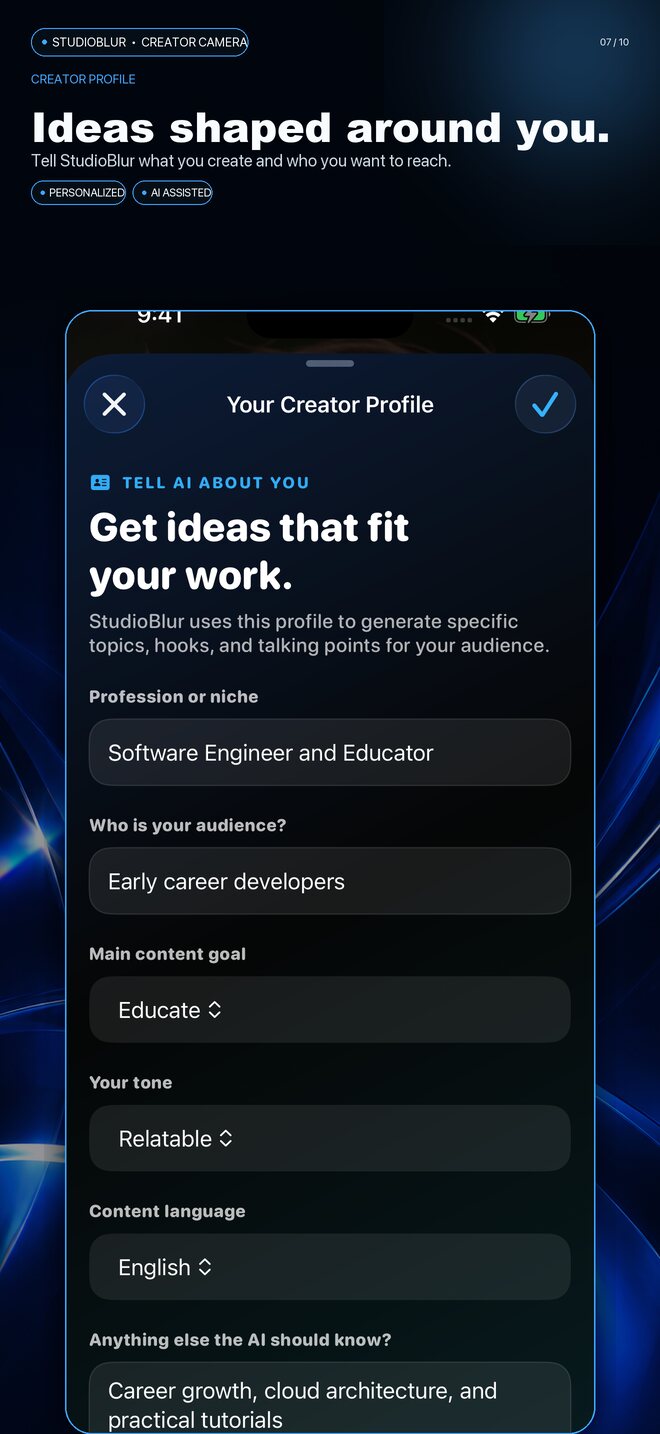
Show, do not just tell
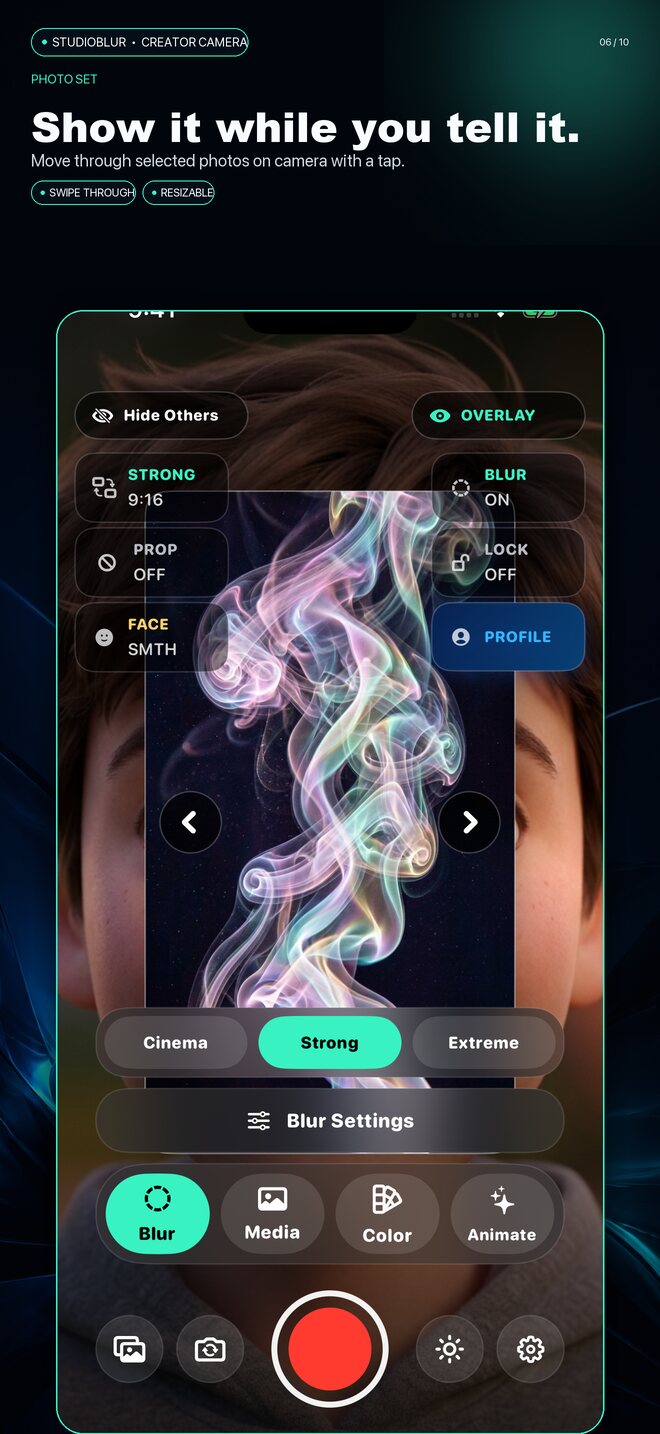
Move through a selected Photo Set without hiding your camera controls. Demo Sync lets a second Apple device become part of the presentation.
One recording can become the clean version you need now and the source you may want later.
The untouched camera recording.
Your selected live background result.
An adjustable silence-clipped version.
Optional refined background edges.
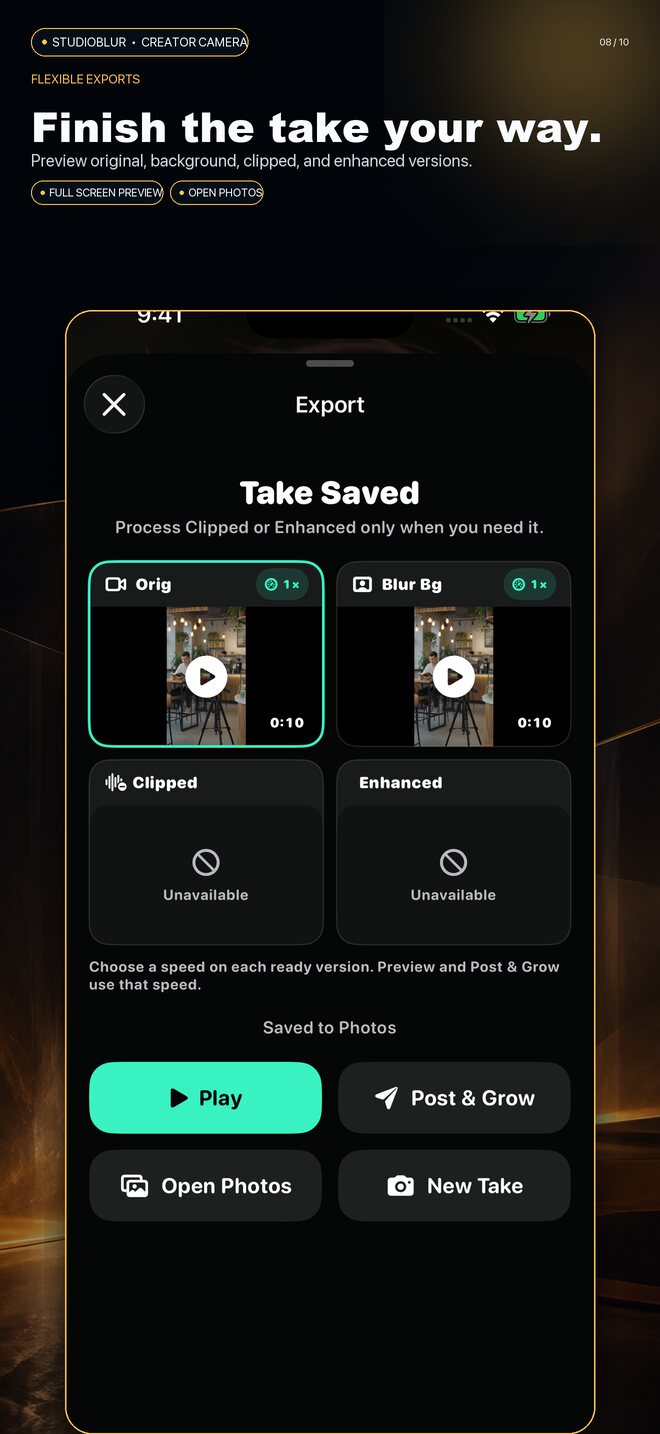
Play each available version full screen, compare durations, adjust clip speed, and save the result you want to Photos.
Keep the essential creator camera, add flexible weekly AI, or own Pro + AI for life.
StudioBlur Basic
With your StudioBlur download
Pro + AI Lifetime
$99.99 one-time purchase
Save $40
Pro + AI Weekly
per week, billed by Apple
Camera frames, recordings, imported backgrounds, and exports are processed on your device. When you choose an AI writing feature, StudioBlur sends only the text needed to generate your result. Your photos, camera footage, and microphone audio are not part of the AI request.
Read the privacy policyClear answers about devices, plans, AI credits, backgrounds, exports, and privacy.
Basic includes the core camera, live backgrounds, props, subject framing, a manual teleprompter, and 5 one-time starter AI credits.
Lifetime permanently unlocks the Pro creator features and includes 1,000 AI credits that do not expire.
Eligible users see the $59.99 lifetime offer inside StudioBlur for 72 hours after opening this version. The regular US lifetime price is $99.99. App Store prices vary by region.
The $1.99 weekly option unlocks Pro features and provides 10 AI credits after each verified renewal. It renews through Apple until canceled.
Yes. StudioBlur supports iPhone and iPad, including portrait and landscape creator layouts.
No. AI writing requests use text such as your creator profile, selected idea, or panel copy. Camera footage, photos, and microphone audio are not sent with those requests.