
Coming soon for iPhone and iPad
QnVoice
Clone your voice. Translate a conversation. Try a new sound.
Record or type a line and hear it in a voice you choose. QnVoice processes recordings, translations, and effects on your device, without an account or audio uploads.
Inside QnVoice
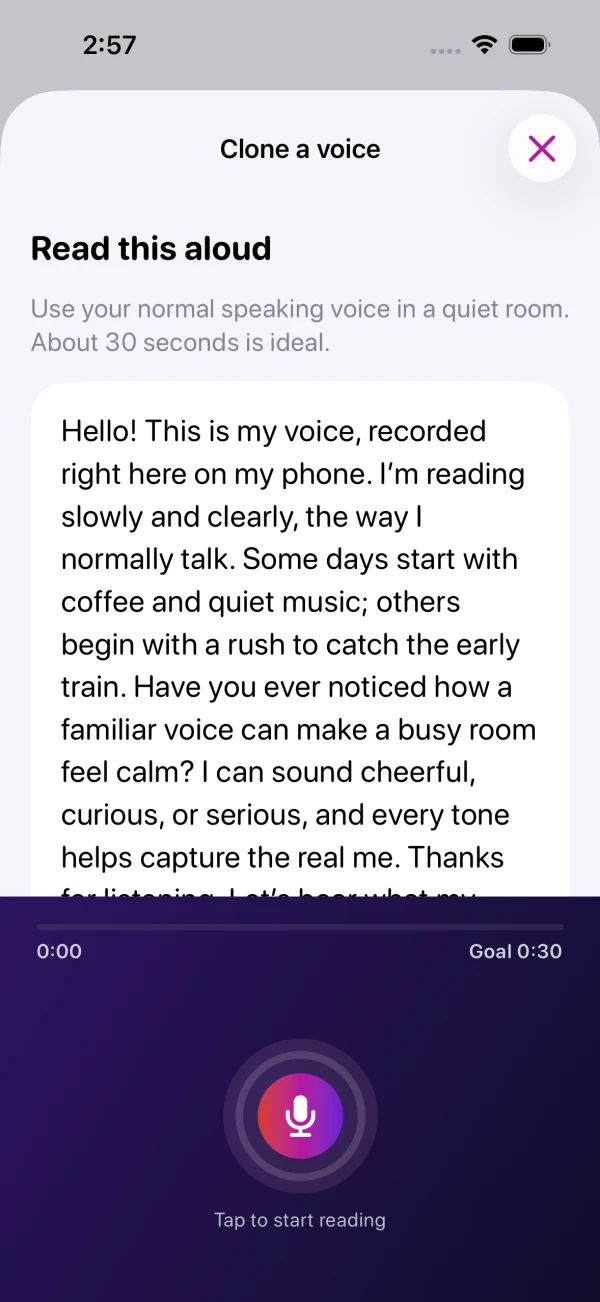
Make a take. Keep what works.
- Speak or type
- Record a short take or type a line, then hear the same words in a saved clone or one of 34 built-in choices, including effects, language voices, and Morse code.
- Translate on device
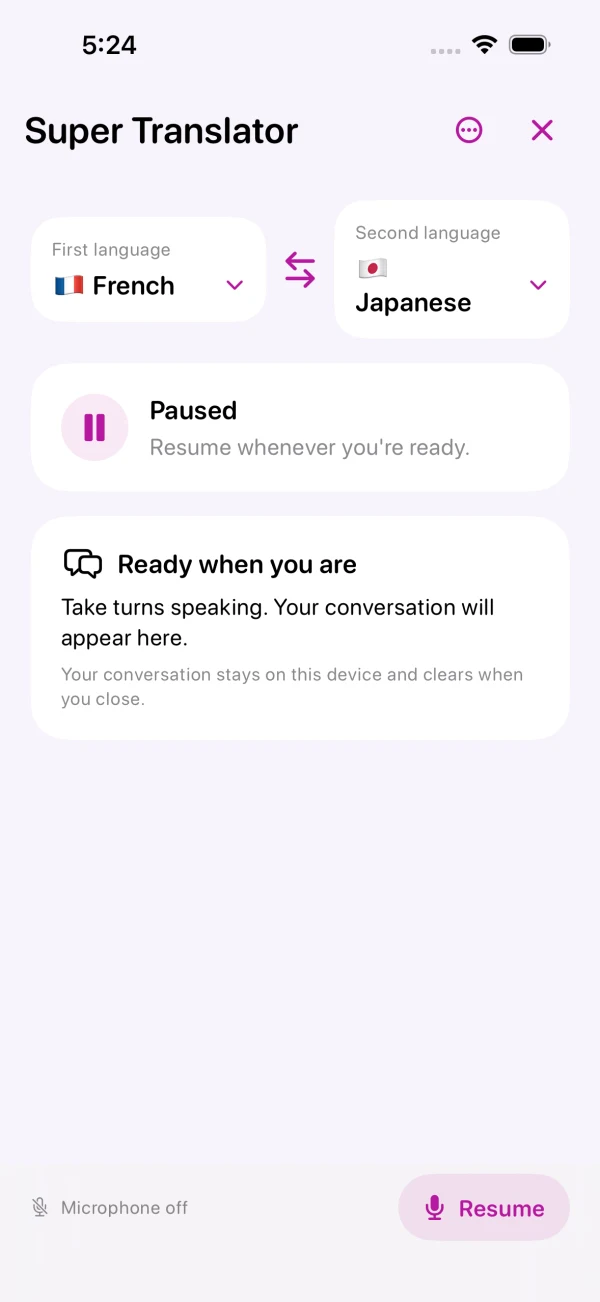
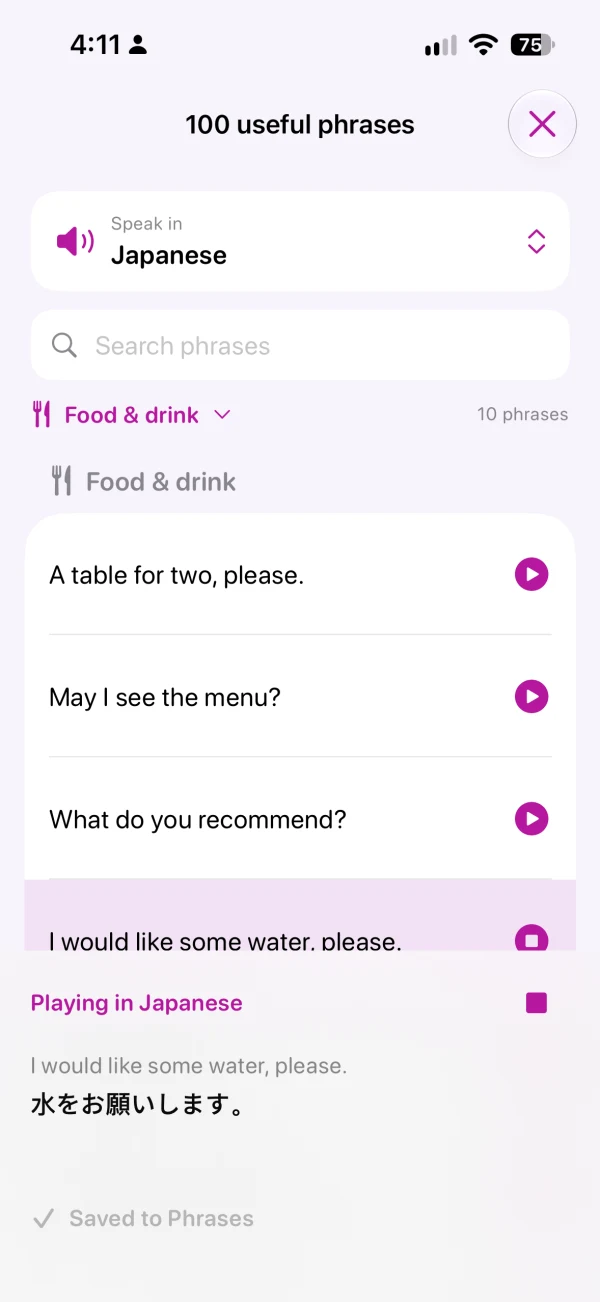
- Use Super Translator for two-way, turn-by-turn conversations. Choose from 20 languages, and use the 100-phrase library for common travel and everyday situations.
- Compare and refine
- Adjust pitch and speed, set effect strength, correct transcripts, and switch between original and changed audio. Save versions to Phrases or share an M4A.
- Play live sounds
- Layer 18 soundboard effects, from chimes and applause to drum rolls, with one volume control and a stop-all button.
Before you get started
- Device and language support
- QnVoice is designed for iPhone and iPad running iOS or iPadOS 17 or later. Native translation voices require iOS or iPadOS 18 or later, and some languages need a newer version or a one-time language download.
- Included voices and Pro
- The app includes two cloned voices and all built-in voices. The optional one-time QnVoice Pro purchase removes the clone limit. There is no subscription.
- Privacy and consent
- Clone only your own voice or one you have permission to use. Voice models stay on your device, and you choose which audio to share. Read the privacy policy.