Recording quality gate
Live guidance helps catch low levels, clipping, wind, and nearby voices before they weaken a test.

Capture a guided engine-noise sample, check recording quality, and get a private on-device acoustic assessment you can save and discuss with a qualified mechanic.
Coming to iPhone and iPad
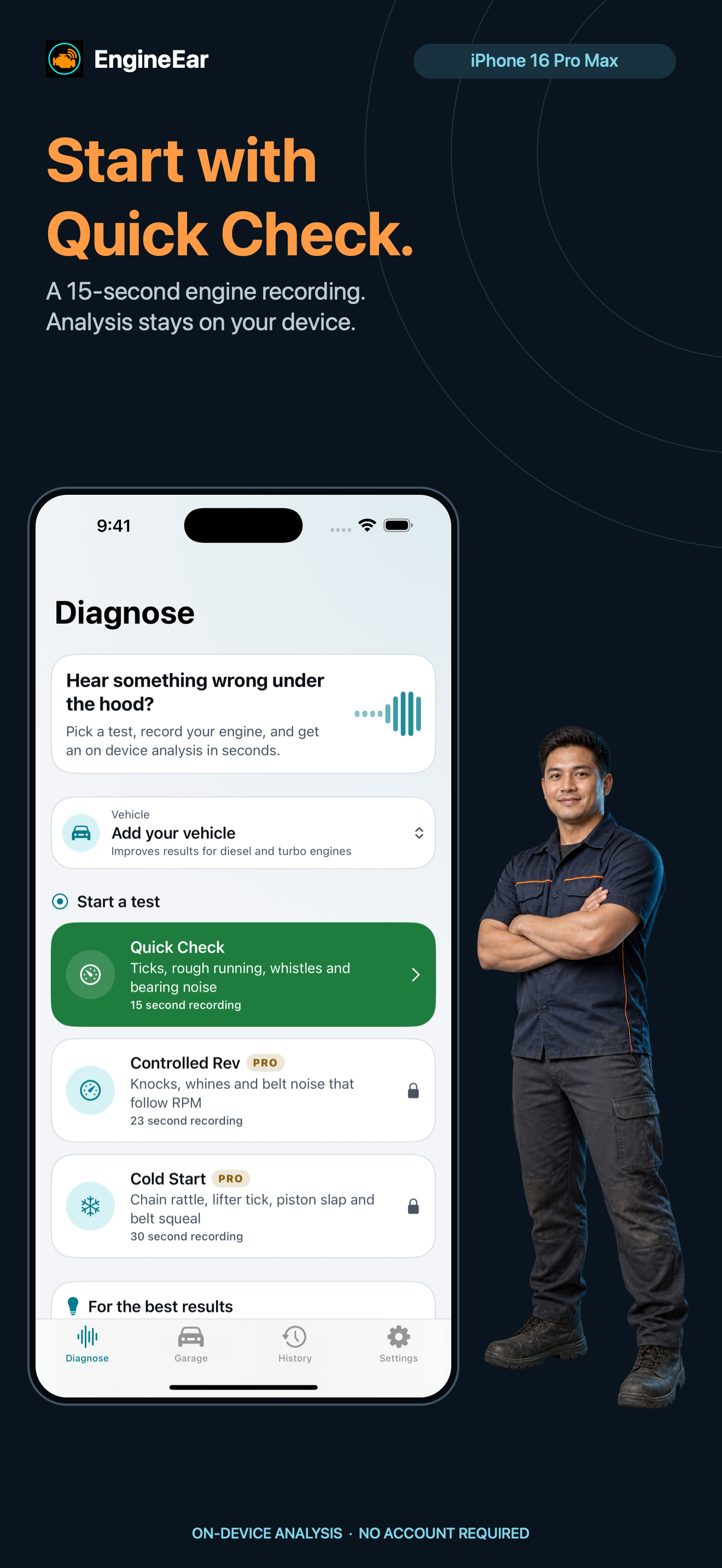
EngineEar guides the recording first, then shows what its acoustic model noticed and helps you preserve the conditions around the test.
Park safely, follow the placement guide, and add basic vehicle details.
Run a 15-second Quick Check while live checks watch level, wind, voices, and clipping.
Review possible sound families, confidence, severity, causes, and practical next steps.
Keep tests with the vehicle, compare changes, and export evidence when needed.
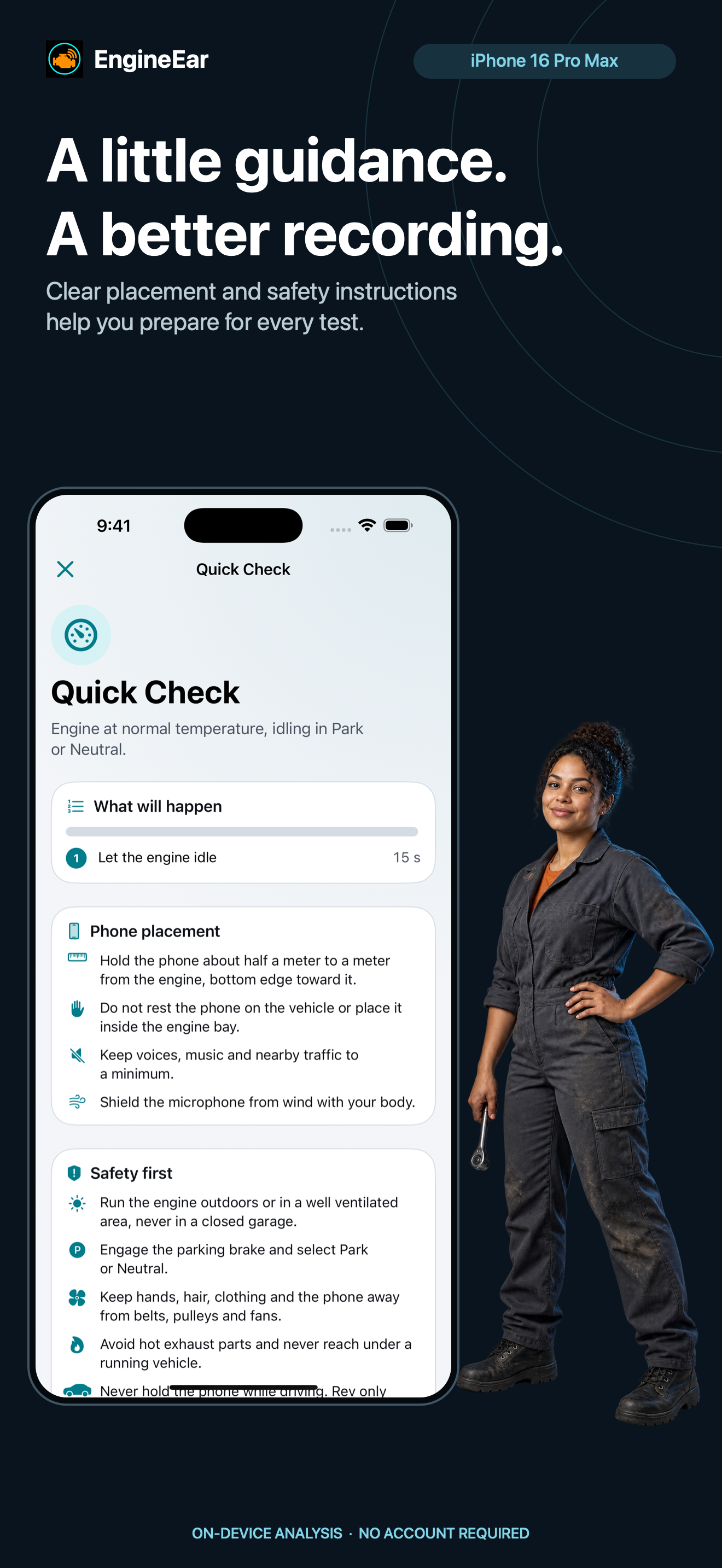
Live guidance helps catch low levels, clipping, wind, and nearby voices before they weaken a test.
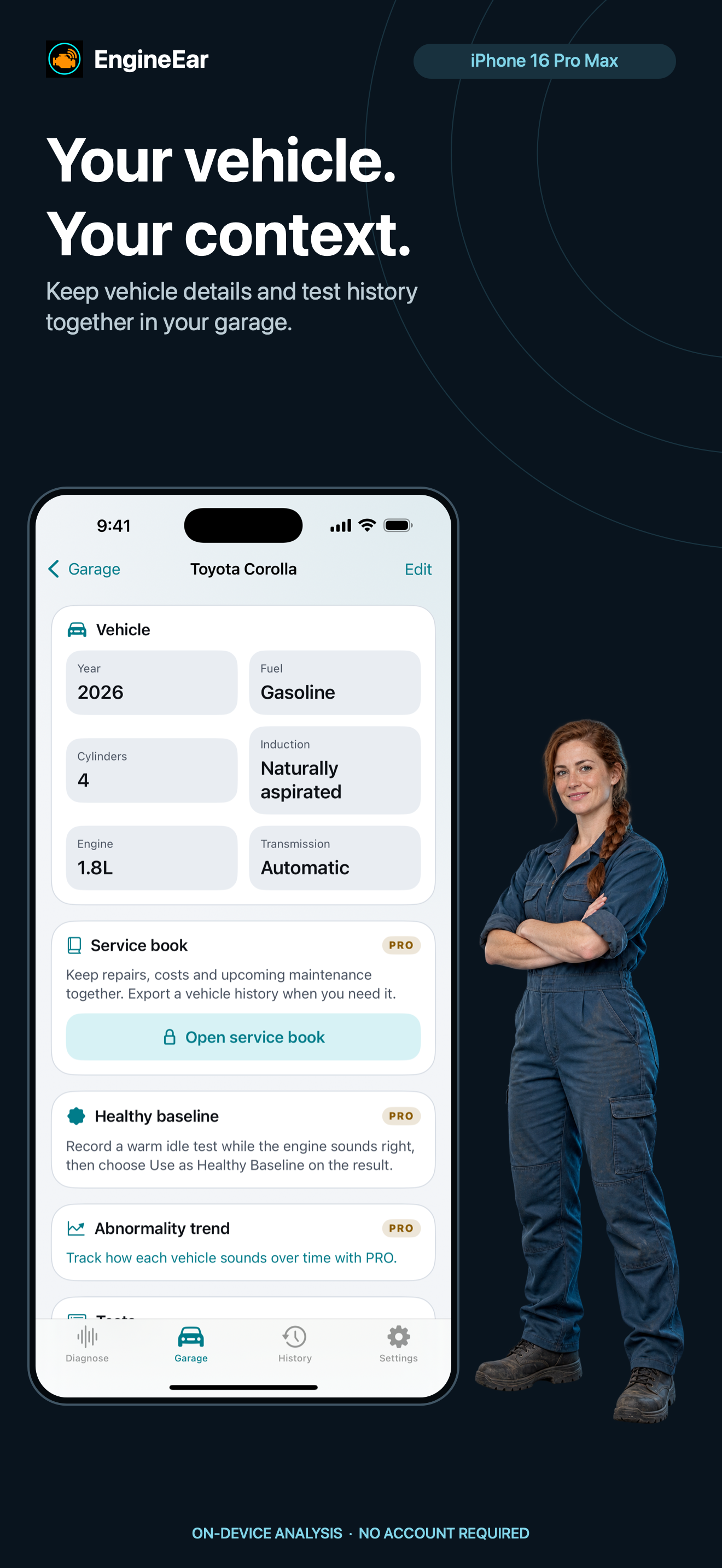
Keep vehicle context and recent tests together. PRO removes the base limits on vehicles and history.
Add notes, conditions, symptoms, work performed, next steps, and selected photos.
Compare matching tests for the same vehicle with audio playback and measured changes.
Track completed work and future follow-ups with workshop, cost, mileage, and service notes.
Export supported records as PDF, WAV, JSON, or CSV and choose the destination in the share sheet.
EngineEar is not a mechanical diagnosis service. Its results are acoustic possibilities to discuss with a qualified mechanic. They do not determine vehicle safety or roadworthiness.
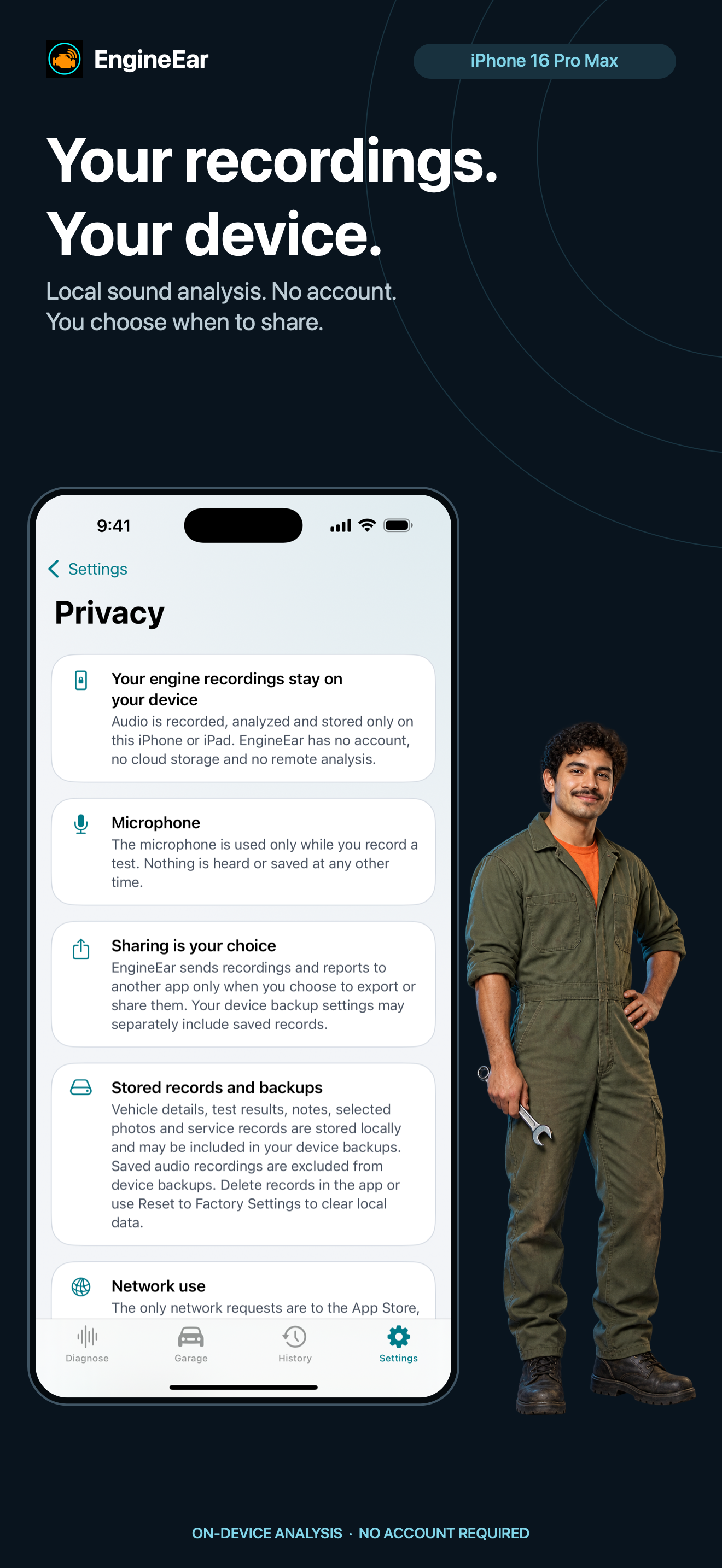
Privacy by designEngineEar performs sound analysis on your iPhone or iPad. It has no QnSub account, developer backend, remote AI, ads, tracking, or analytics SDK. Sharing happens only when you initiate an export.
EngineEar is being prepared for iPhone and iPad.