Top-three clarity
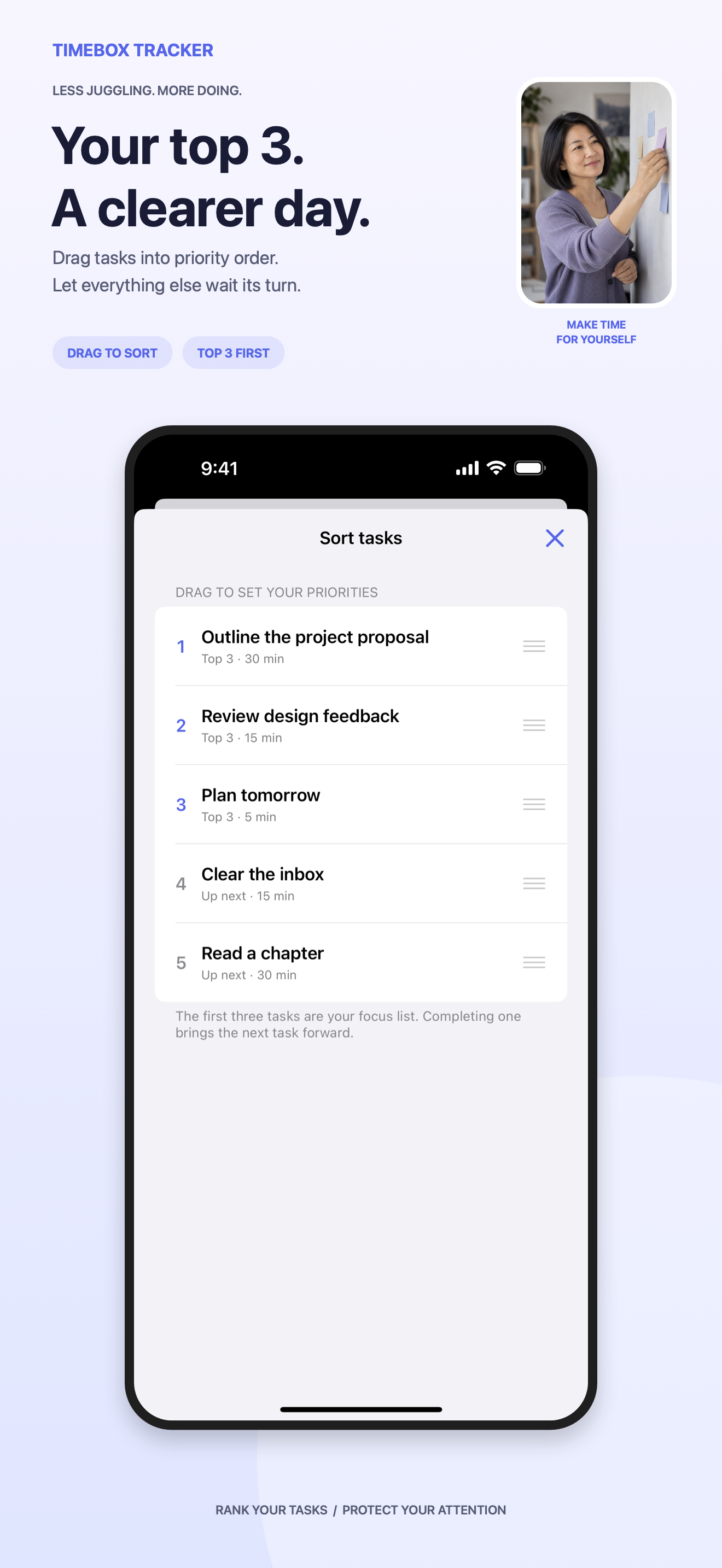
The queue can be long. The active list never is.
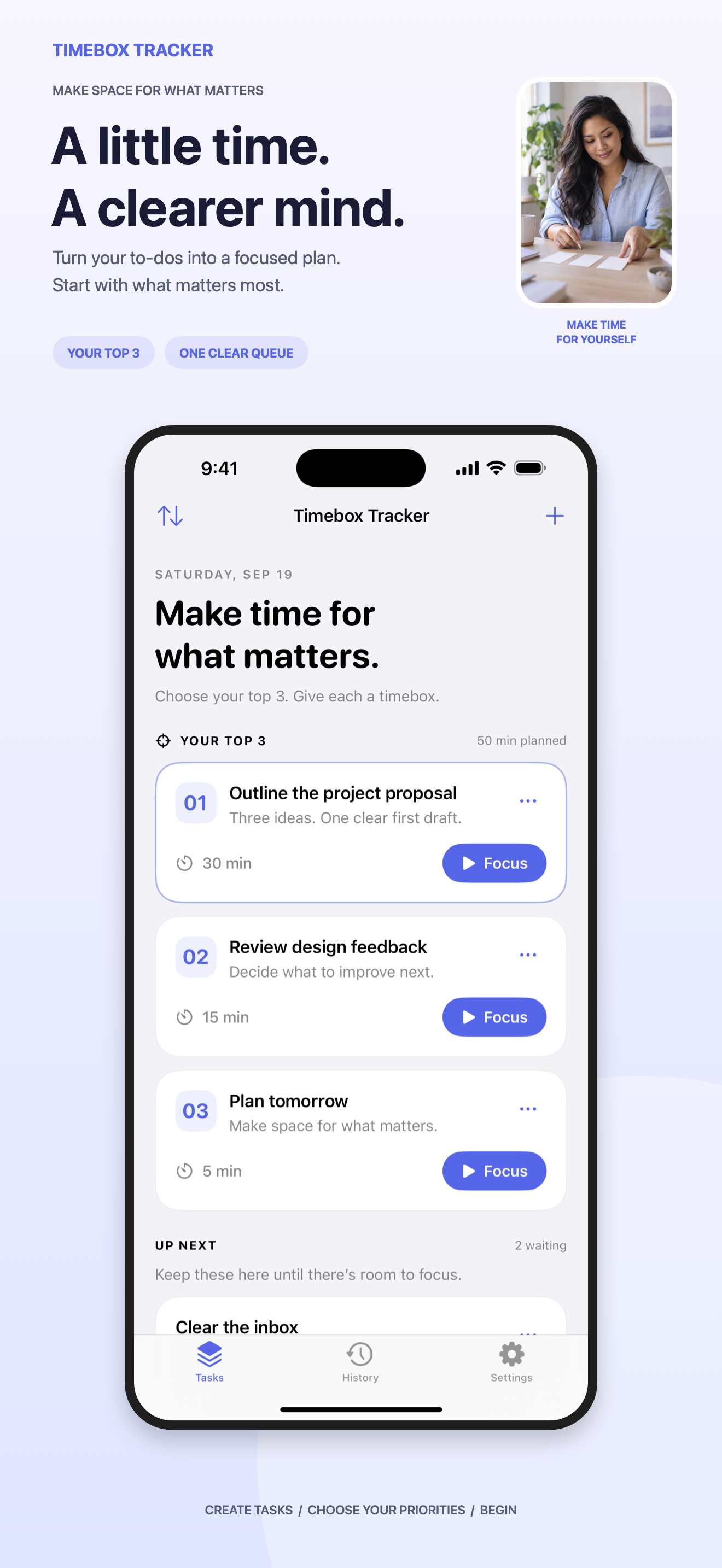
Choose the three tasks that matter now, give each one a realistic timebox, and focus on one thing at a time. No account, no subscription, and no complicated productivity system to maintain.
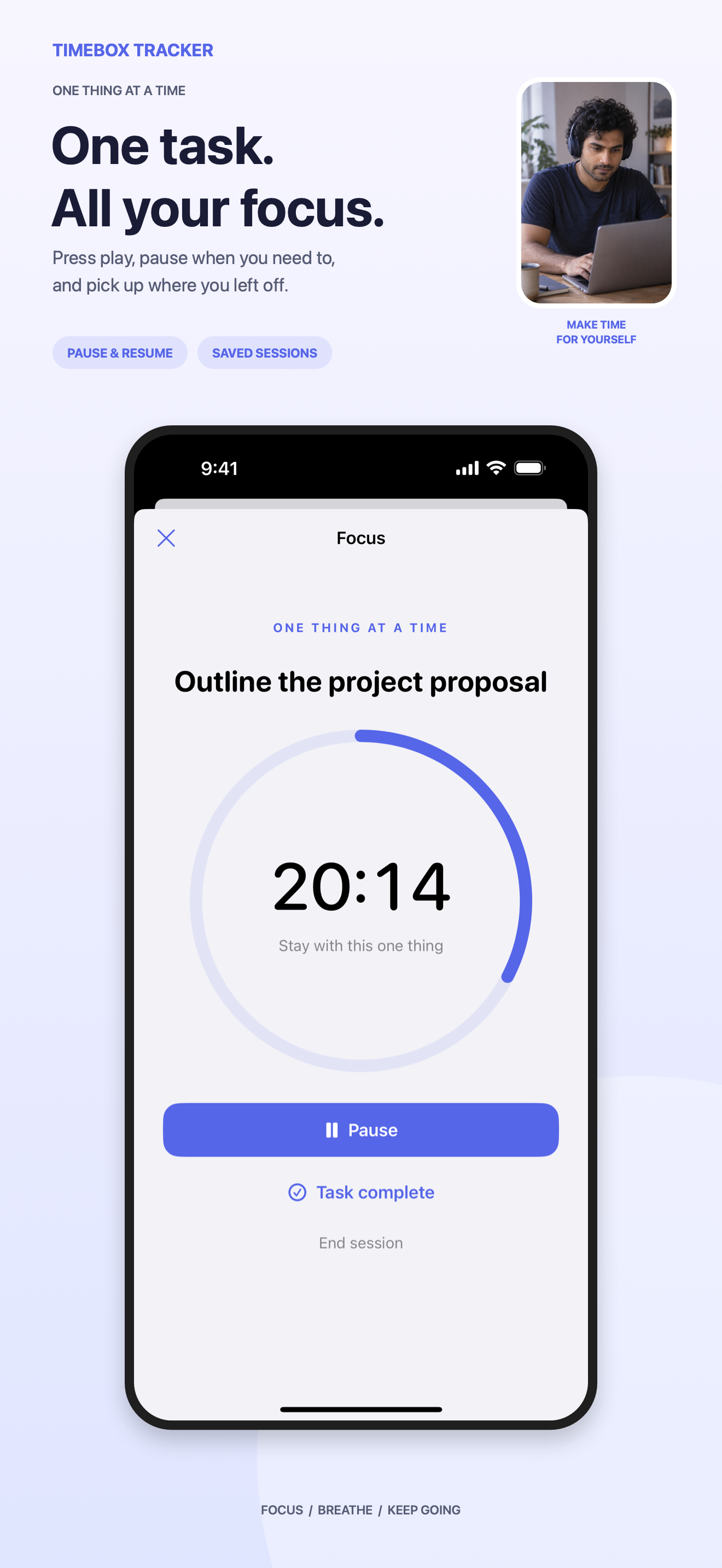
 Three priorities.
Timebox Tracker keeps the system deliberately small: a queue, a top three, a timer, and a useful record of what happened.
A lightweight loop that protects attention without turning planning into another project.
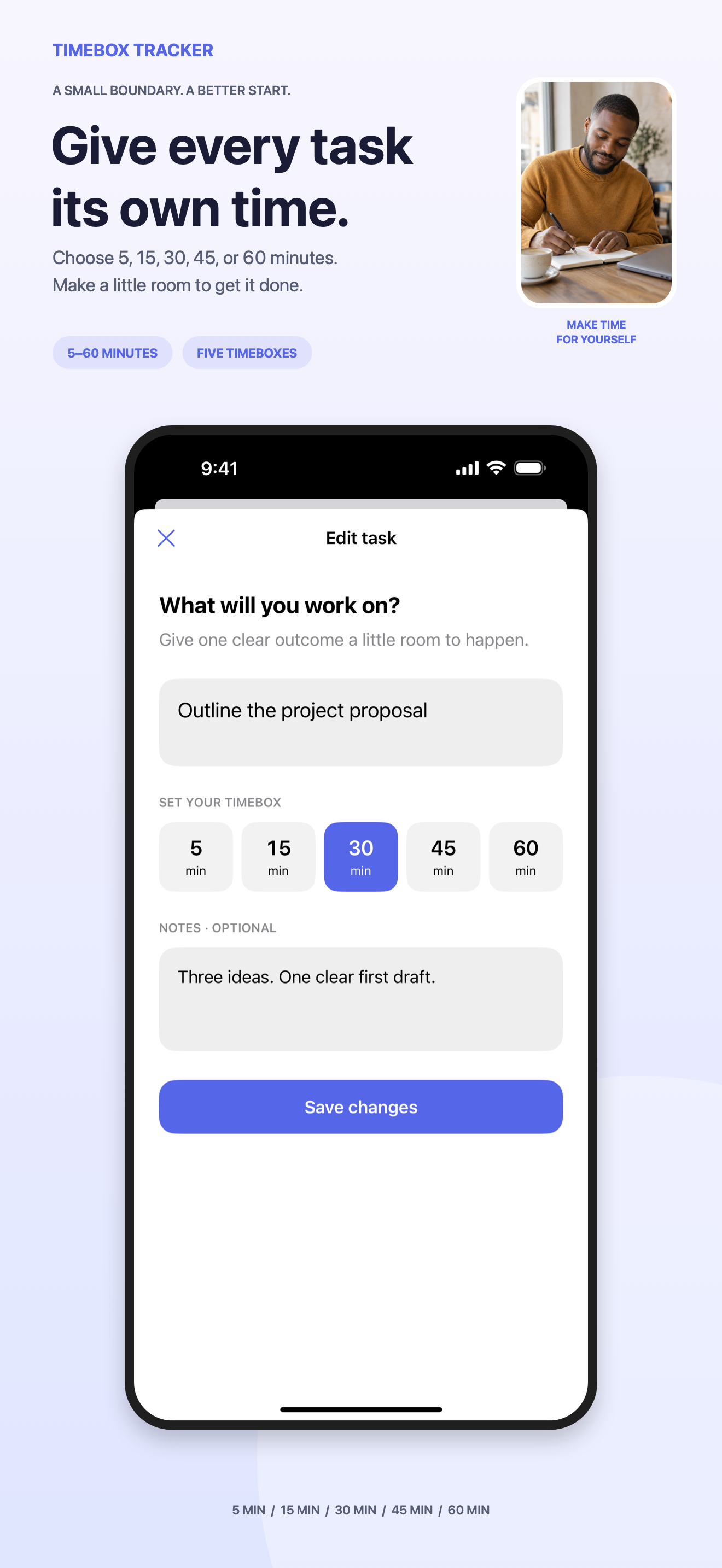
Add a clear task, the outcome, and any notes you need.
Sort the queue. Keep only the top three in active focus.
Choose a boundary that makes starting feel possible.
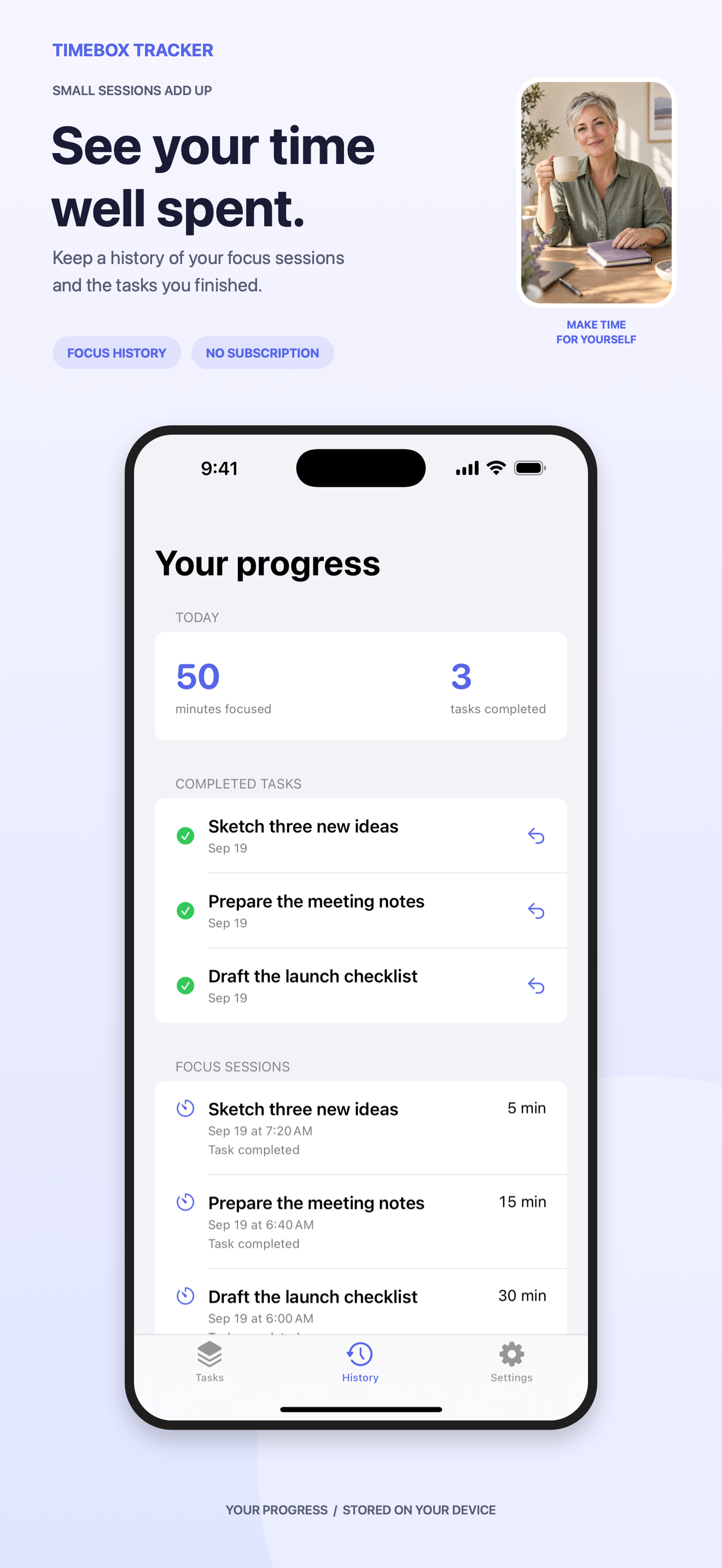
Complete, continue, or return the task to the queue with better information.
The plan survives backgrounding, relaunches, pauses, and work that finishes sooner than expected.
The queue can be long. The active list never is.
An absolute deadline keeps the timer accurate after backgrounding or relaunching.
Paused sessions remember exactly how much focused time remains.
Enable a one-time notification for the deadline. The timer still works without permission.
Complete early, start another timebox, or keep the task for later.
Take current tasks and available legacy history with you in an open format.
Tasks, notes, ordering, focus sessions, history, and preferences are stored locally with SwiftData. Timebox Tracker has no account, cloud service, analytics SDK, ads, or cross-app tracking.
Timebox Tracker is being prepared for iPhone and iPad.