Resilient recording
Crash-safe audio parts, pause and resume, background recording, a live waveform, and quick markers for actions, ideas, questions, decisions, and important moments.
Capture a thought, lecture, meeting, or plan. Contexto transcribes your voice on device, finds the decisions and actions inside it, and builds a searchable second brain with evidence you can return to.
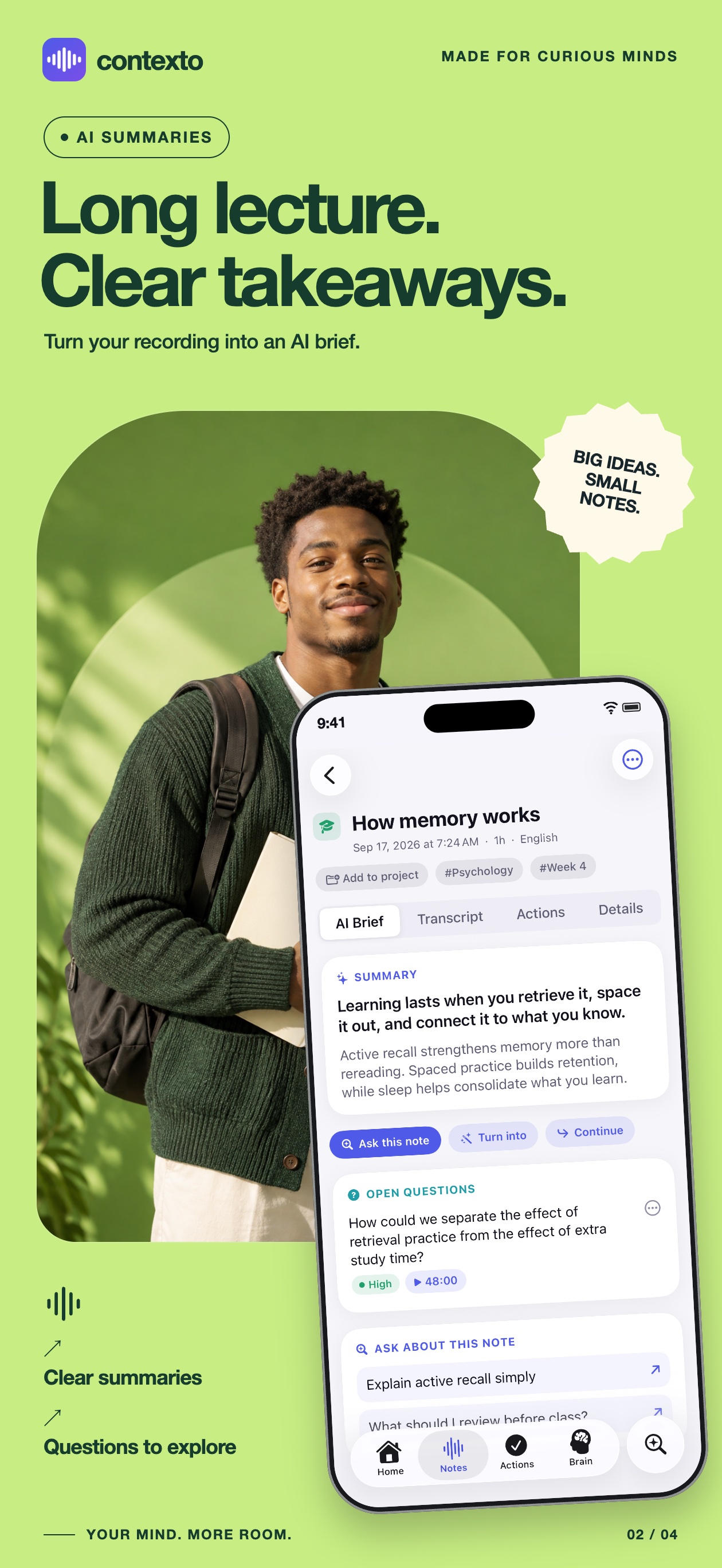
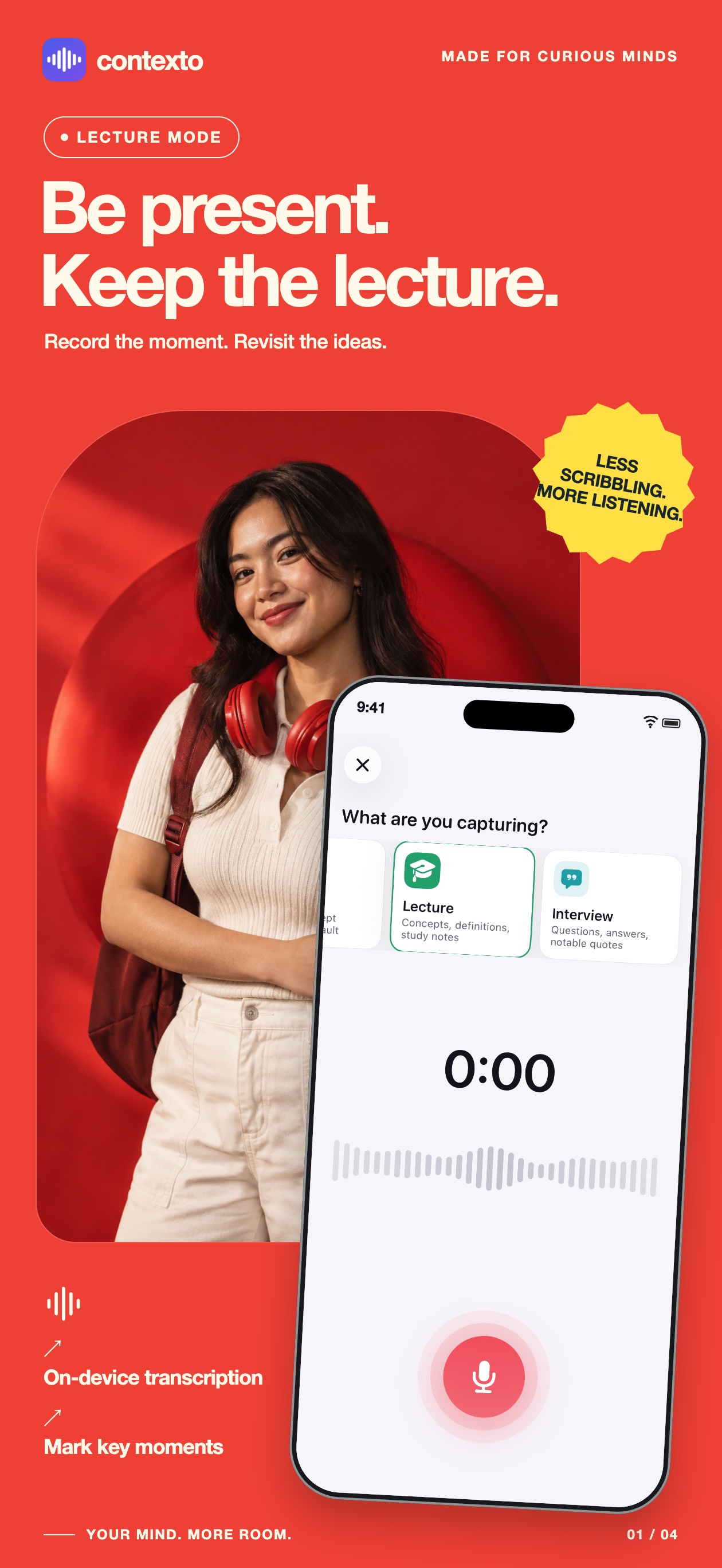
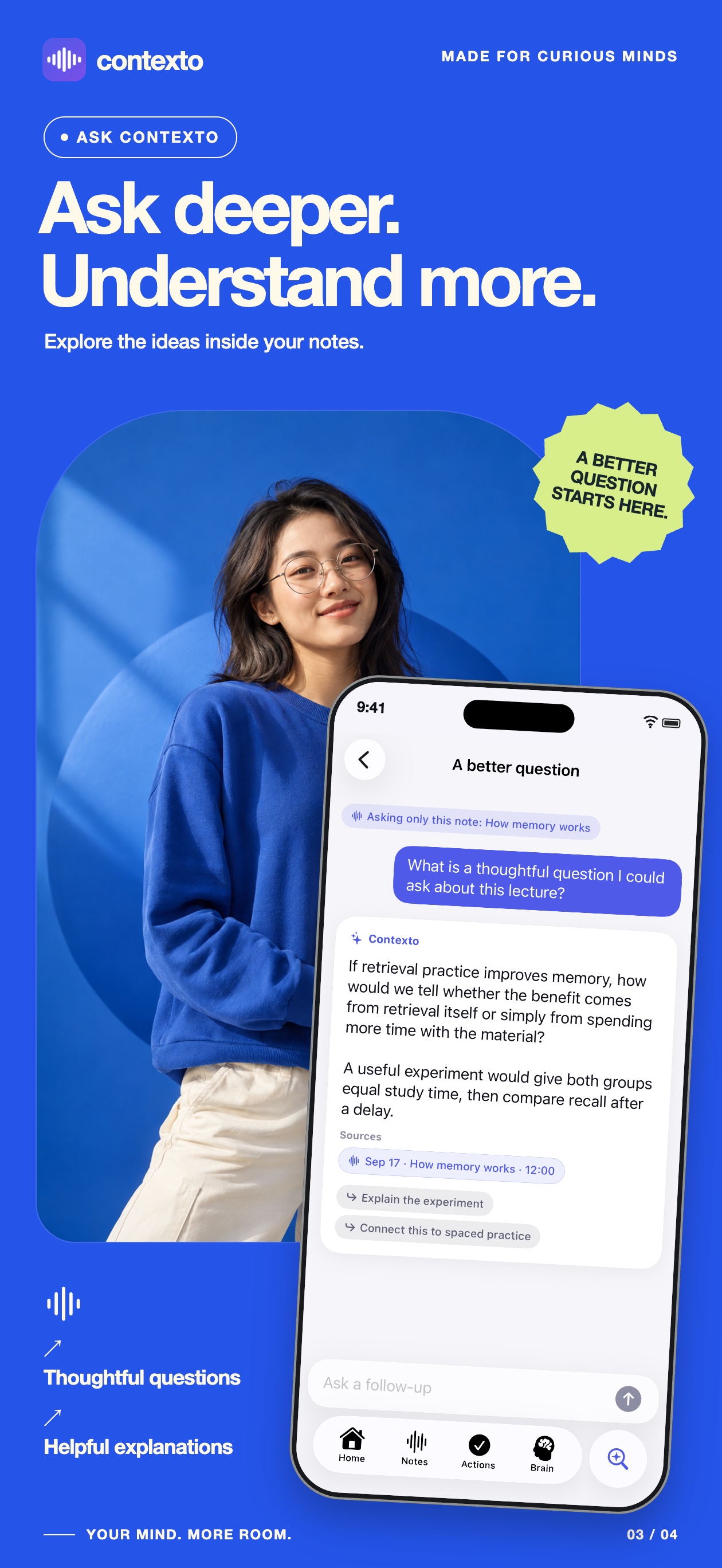
Real App Store panels from Contexto show the complete loop: capture, understand, ask, and revisit.
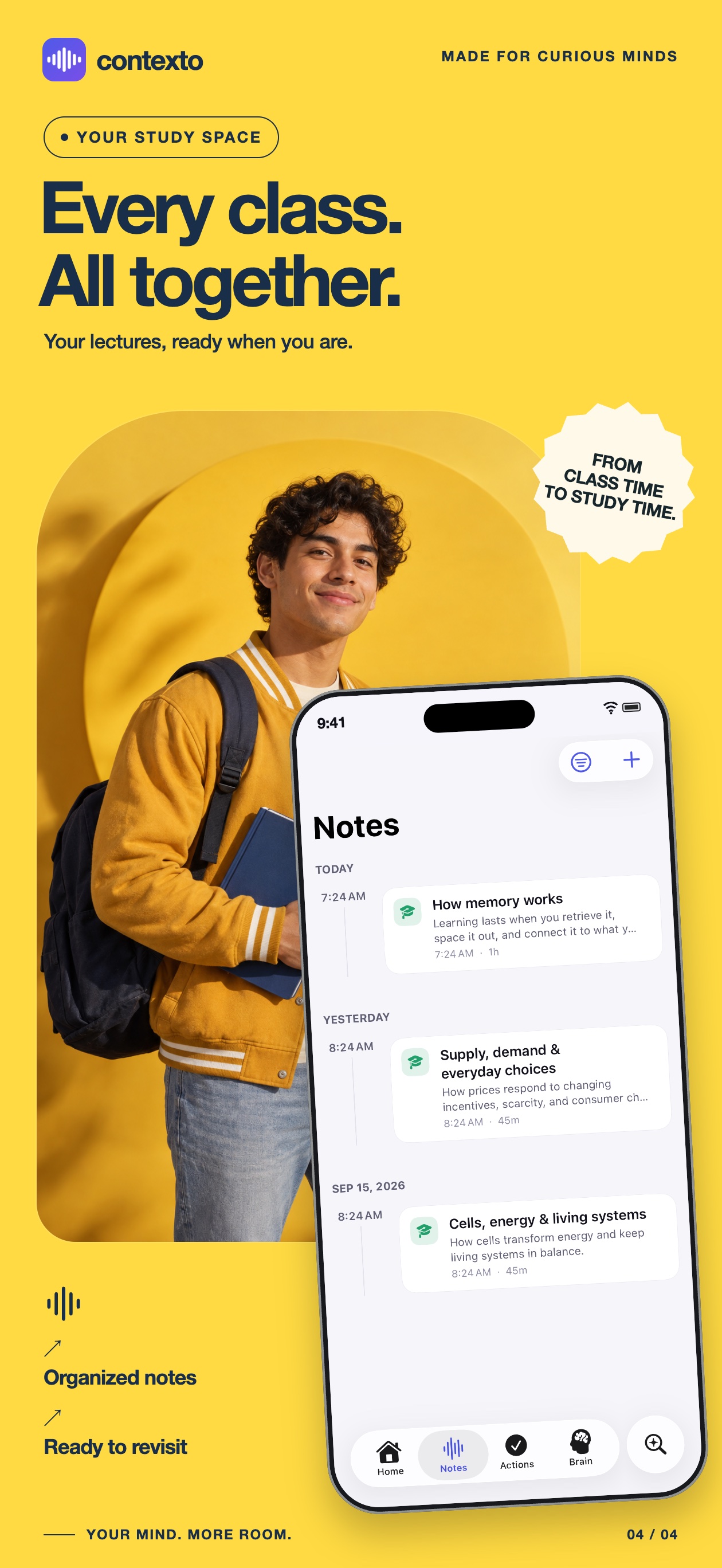
Contexto is designed around one continuous knowledge loop, not a folder of disconnected transcripts.
Record a quick thought, meeting, lecture, brainstorm, interview, journal entry, or custom format.
Transcribe on device, then organize the meaning into summaries, decisions, questions, and next actions.
Build projects, people, topics, commitments, and memories with provenance you can inspect and edit.
Ask grounded questions, prepare documents, and send only the reminders or calendar events you approve.
Built for short ideas and long conversations, with the original recording kept as the source of truth.
Crash-safe audio parts, pause and resume, background recording, a live waveform, and quick markers for actions, ideas, questions, decisions, and important moments.
Important AI output can retain the supporting transcript segment and timestamp so you can verify what was actually said.
Inspect, edit, pin, merge, archive, or delete memories. Uncertain suggestions wait for your review instead of silently becoming fact.
Search with on-device semantic and keyword retrieval, or ask questions across notes, projects, and people with tappable citations.
Turn a note into meeting minutes, a task list, email draft, product brief, blog outline, study guide, or executive summary.
Check visible spelling, request concrete improvements, or explore writing-style signals after reviewing the detected text yourself.
Suggested tasks stay reviewable. Contexto writes to Reminders or Calendar only after you explicitly approve the action.
Export individual notes or the full library as Markdown, text, JSON, PDF, and audio instead of locking your thinking inside one app.
Recordings and speech transcription stay on your iPhone. Apple Intelligence can process notes locally on supported devices. Optional Cloud AI is off by default; when enabled, relevant note text or a submitted review photo is sent through Contexto's Cloudflare service to OpenAI. Audio is never uploaded by Contexto.
Contexto is in development for iPhone. Explore the guide now or contact QnSub app support.