Network diagnostics
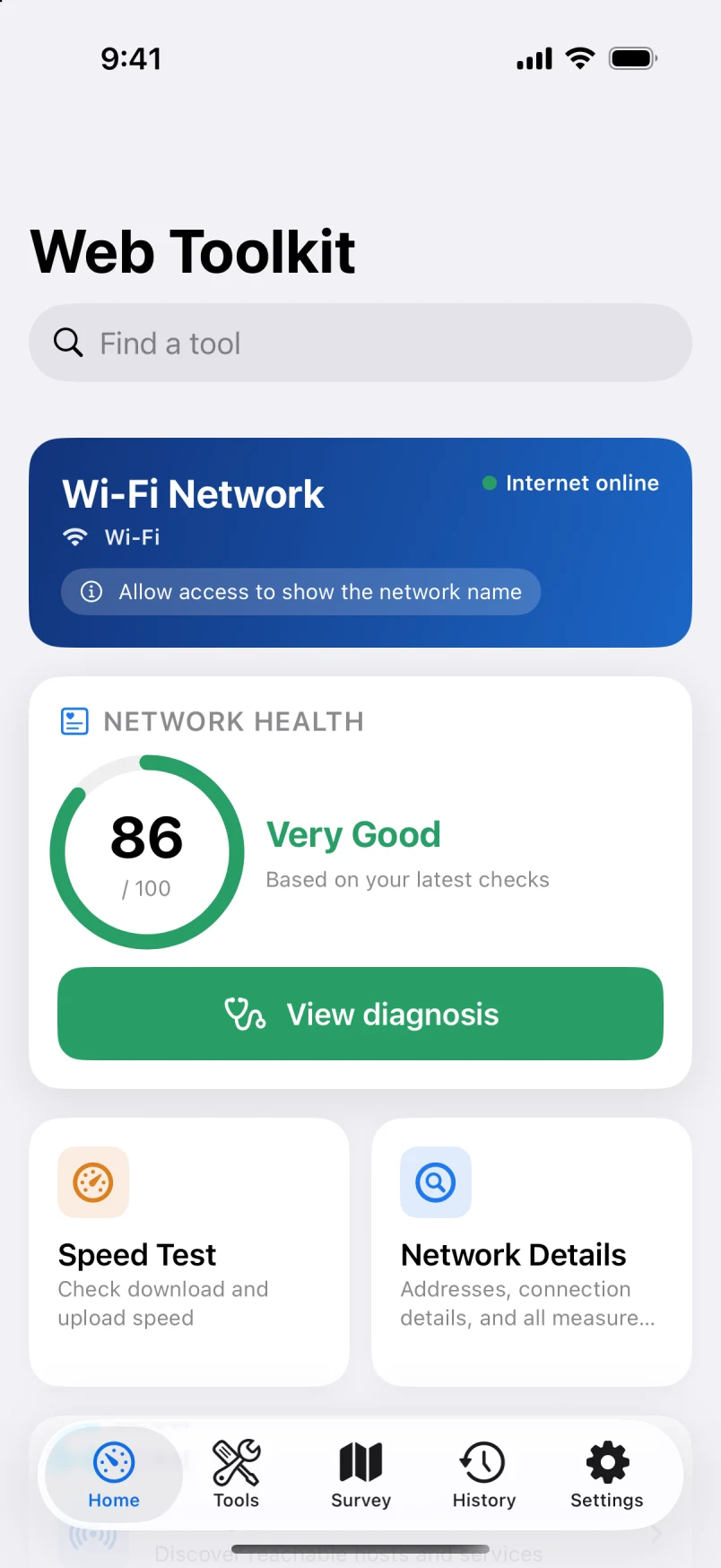
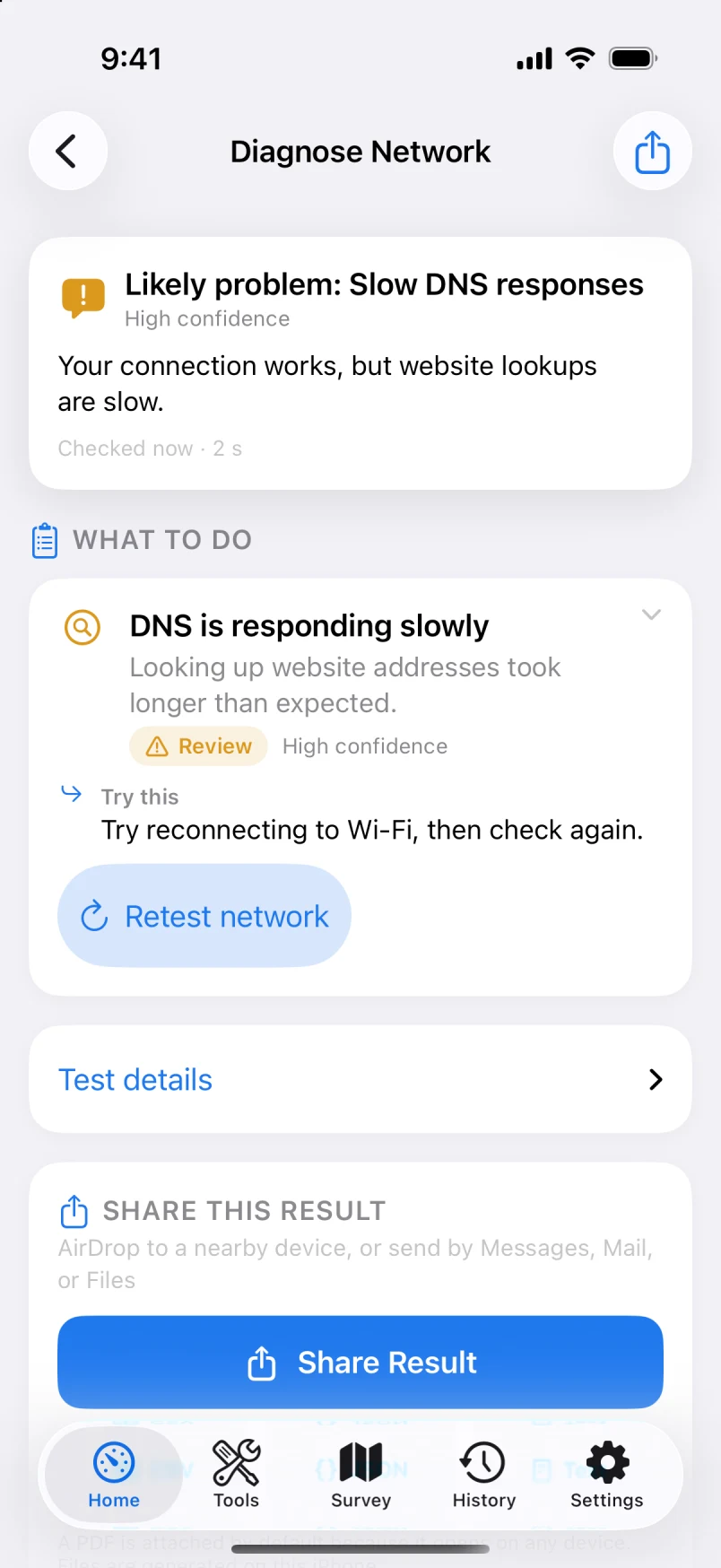
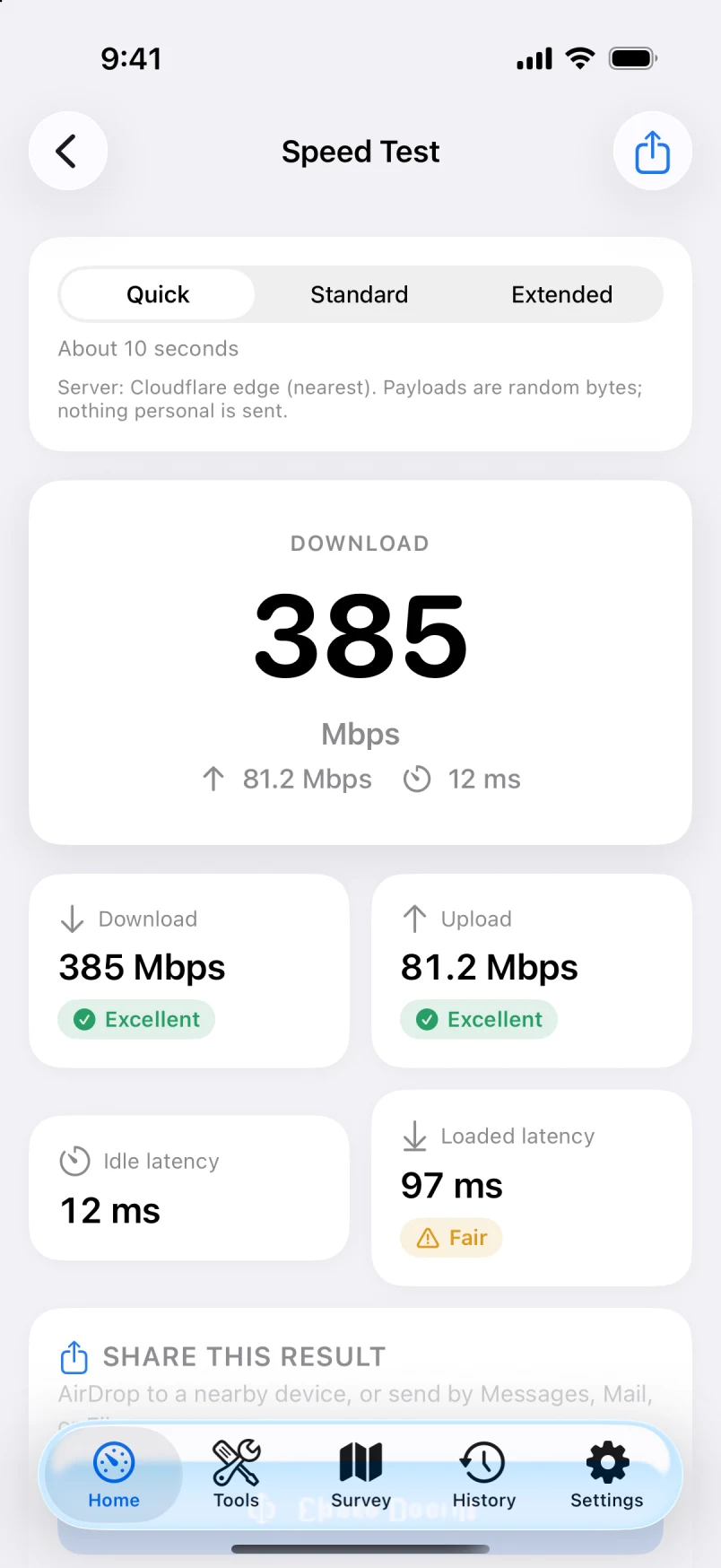
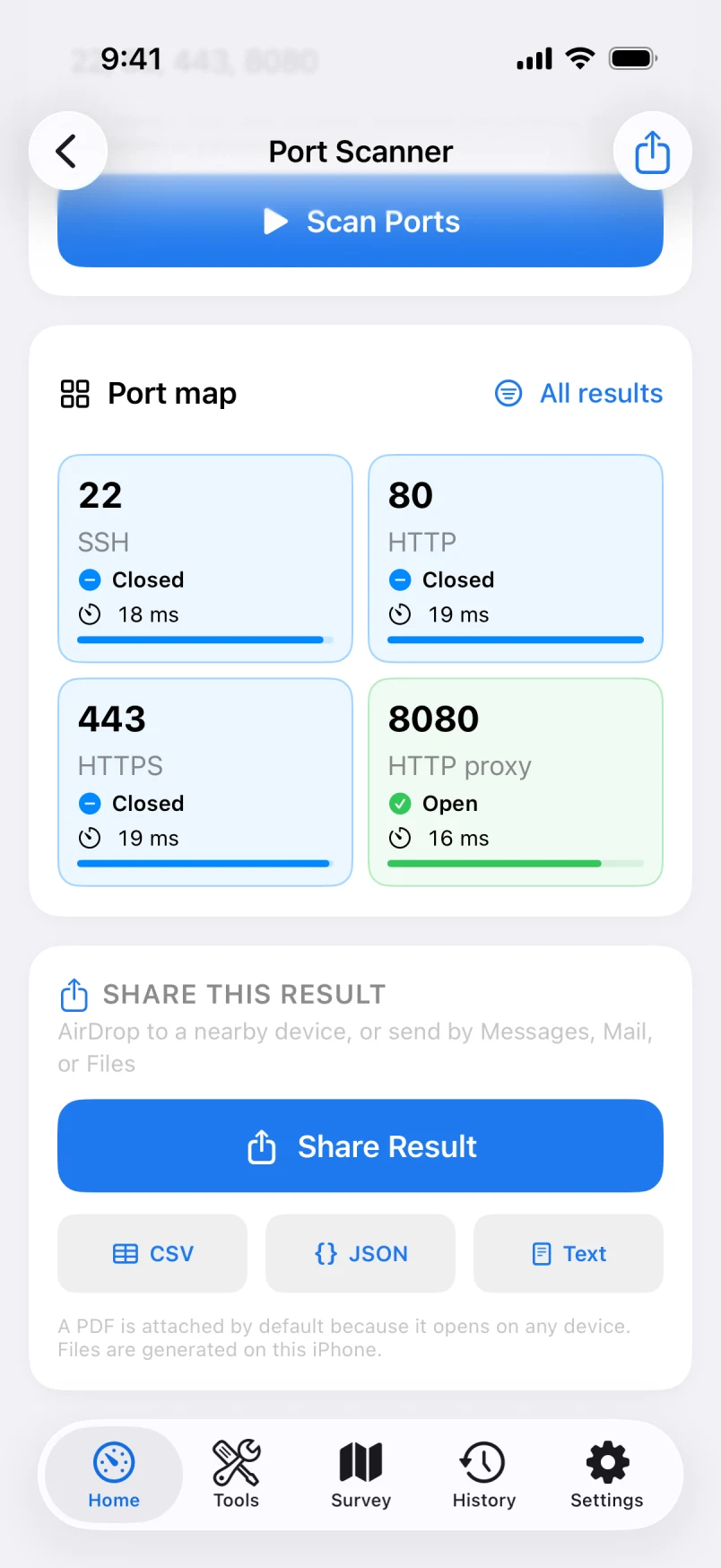
Run a health check for Wi-Fi, internet access, DNS, and HTTPS. Compare speed, latency, jitter, packet loss, and bufferbloat. Find local devices and Bonjour services, check ports, or discover nearby Bluetooth Low Energy devices.

Network diagnostics and developer tools for iPhone and iPad.
Check Wi-Fi, discover devices, test API requests, and connect to servers from one app.
Free download. Optional one-time Pro upgrade.
iPhone screenshots
Run a health check for Wi-Fi, internet access, DNS, and HTTPS. Compare speed, latency, jitter, packet loss, and bufferbloat. Find local devices and Bonjour services, check ports, or discover nearby Bluetooth Low Energy devices.
Inspect HTTP responses, TLS certificates, and routes. Test WebSocket, MQTT, TCP, or UDP connections. Use SSH, FTP, or SFTP with saved profiles, and run server health checks while the app is open.
Mark measurements on imported floor plans or capture room geometry with LiDAR on supported devices. Compare saved sessions and export results as PDF, CSV, JSON, or text.
Check Wi-Fi, discover devices, test APIs, and connect over SSH, FTP, or SFTP with Web Toolkit for iPhone and iPad. Free core tools; optional one-time Pro.
Download price checked . Regional prices and optional in-app purchases may vary. Check the App Store for the current price.
View Web Toolkit on the App StoreYes. Web Toolkit is the new name for NetScope Pro. The app keeps the same bundle identifier, and existing NetScope website links redirect here.
Yes. Device discovery, Bluetooth scanning, port checks, and core diagnostics are free without a scan countdown. An optional one-time Pro purchase unlocks advanced tools, expanded history, surveys, and heatmaps.
Nearby Wi-Fi access-point discovery, channel analysis, and RSSI measurements require the optional NetScope Scanner accessory. Without it, Web Toolkit can still test latency, packet loss, DNS, and throughput. Bluetooth discovery finds advertising Bluetooth Low Energy devices.
Use its HTTP composer to send a request and inspect the response, or test WebSocket, MQTT, TCP, and UDP connections. Server Monitor checks saved HTTP, HTTPS, or TCP targets while the app is open and pauses in the background.